Manage your internet radio with SHOUTcastPanel
SHOUTcastPanel combines SHOUTcast streaming, Liquidsoap AutoDJ and daily station management in a web interface. Install it on your own Debian 12 server; hosting is arranged separately.
Music and broadcasting
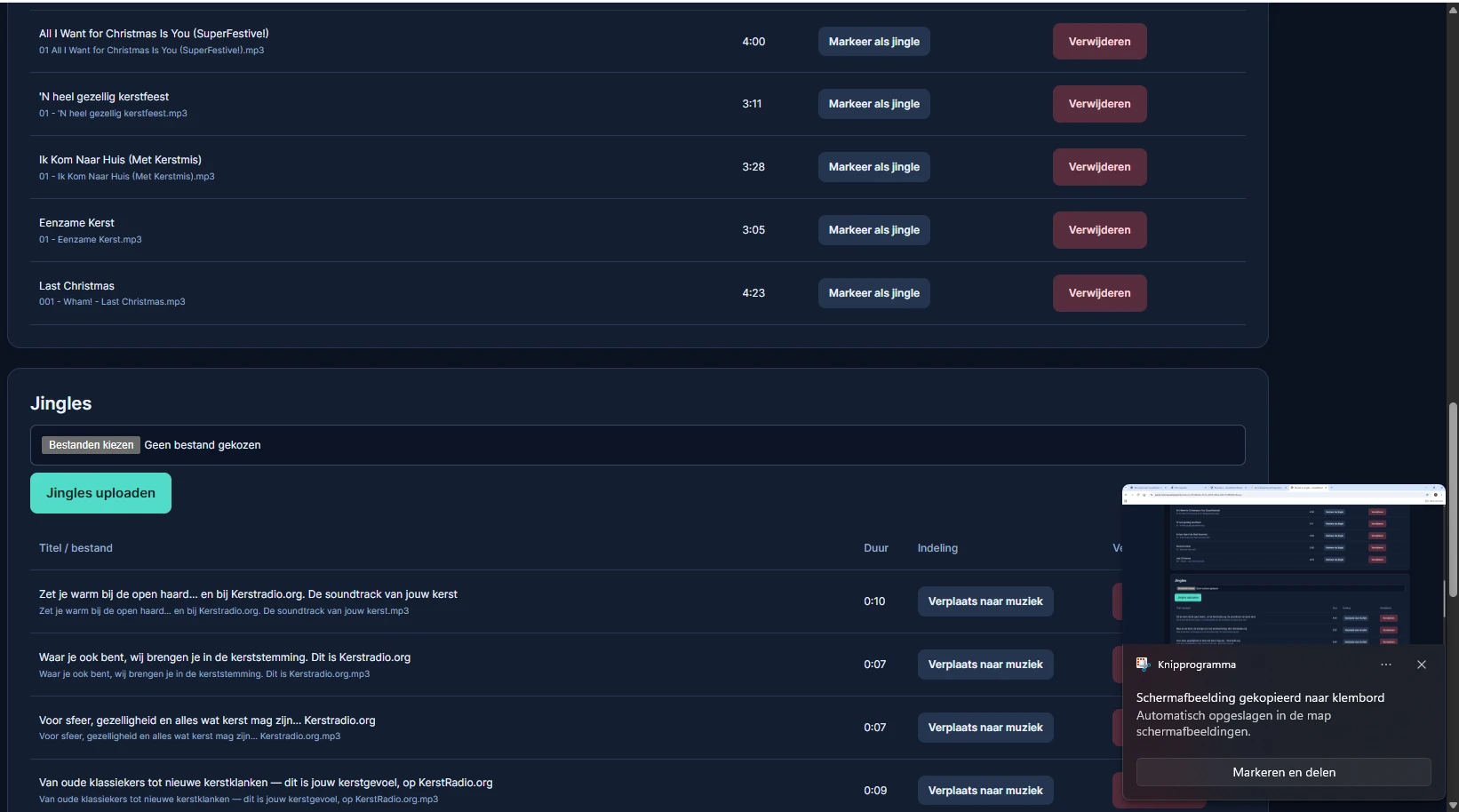
Music and jingles in one library
Upload music and jingles separately and manage their classification in the panel. Create playlists from your library, with separate selection controls for music and jingles.
AutoDJ and live broadcasting
Liquidsoap plays your automatic music rotation. A valid studio connection takes priority over AutoDJ. When the live connection ends, an available automatic rotation can take over again.
Listeners and insights
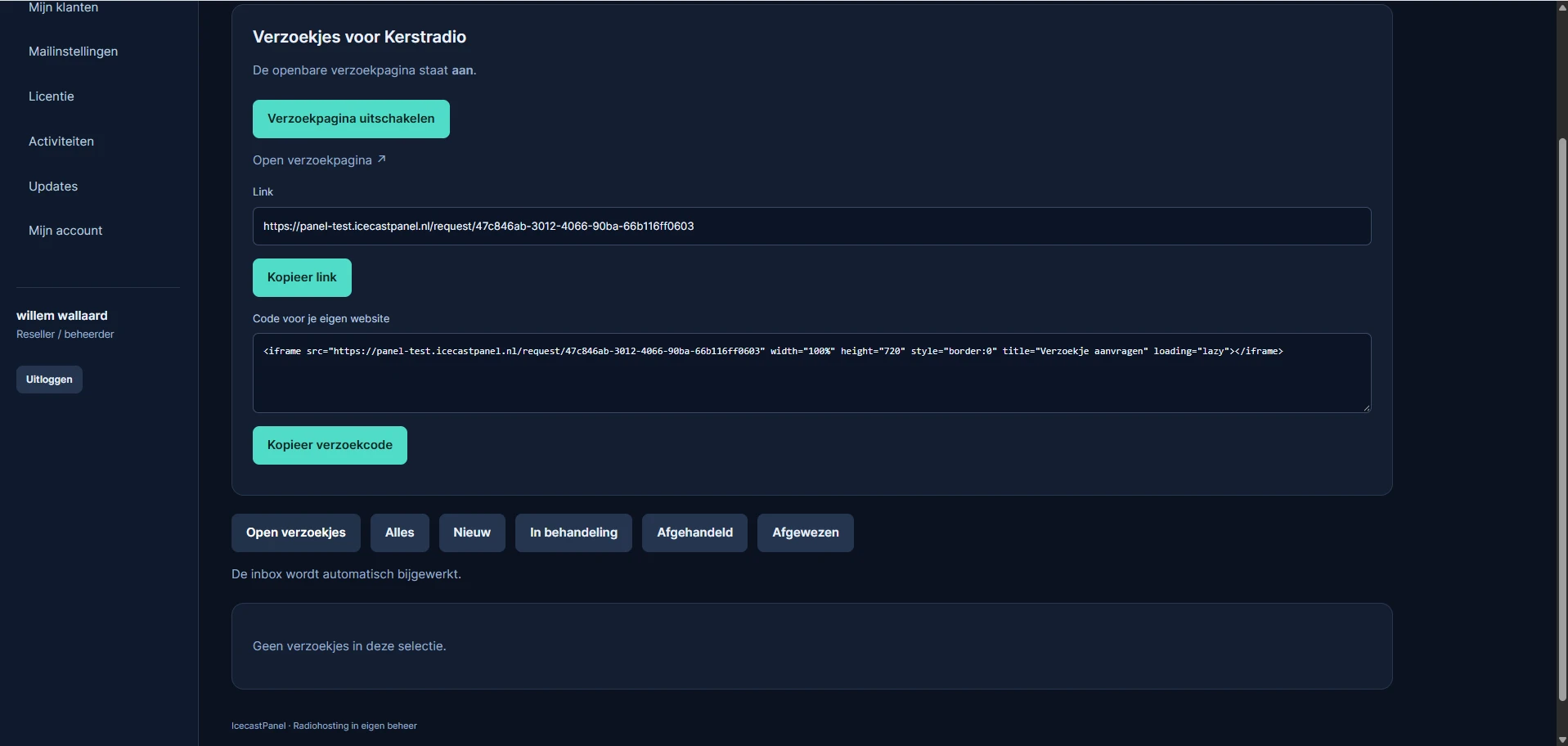
Receive listener requests
Enable a public request page for each station and share its link or embed code. Requests arrive in a protected inbox. Mark them as new, in progress, completed or dismissed. A request does not automatically play a track: the presenter decides what to broadcast.
A radio player for your website
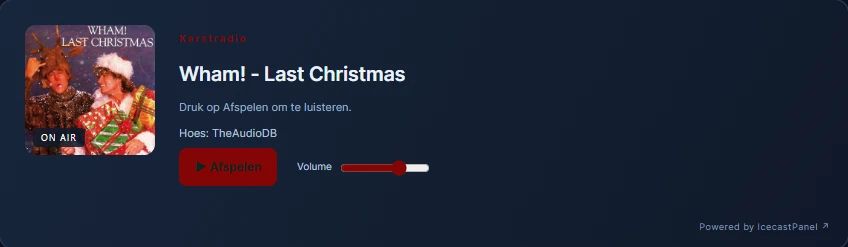
Copy the iframe code into your website to show a player with your station identity and current track. Artwork can come from a local cover or an online source when a suitable match is available. A separate now-playing widget shows track information without playback controls.
See broadcast history
When history registration is enabled, review received track changes from AutoDJ and live broadcasts. The overview contains up to 500 entries from the past 30 days. Missing studio metadata and interruptions in panel availability can leave gaps.
Follow listener connections
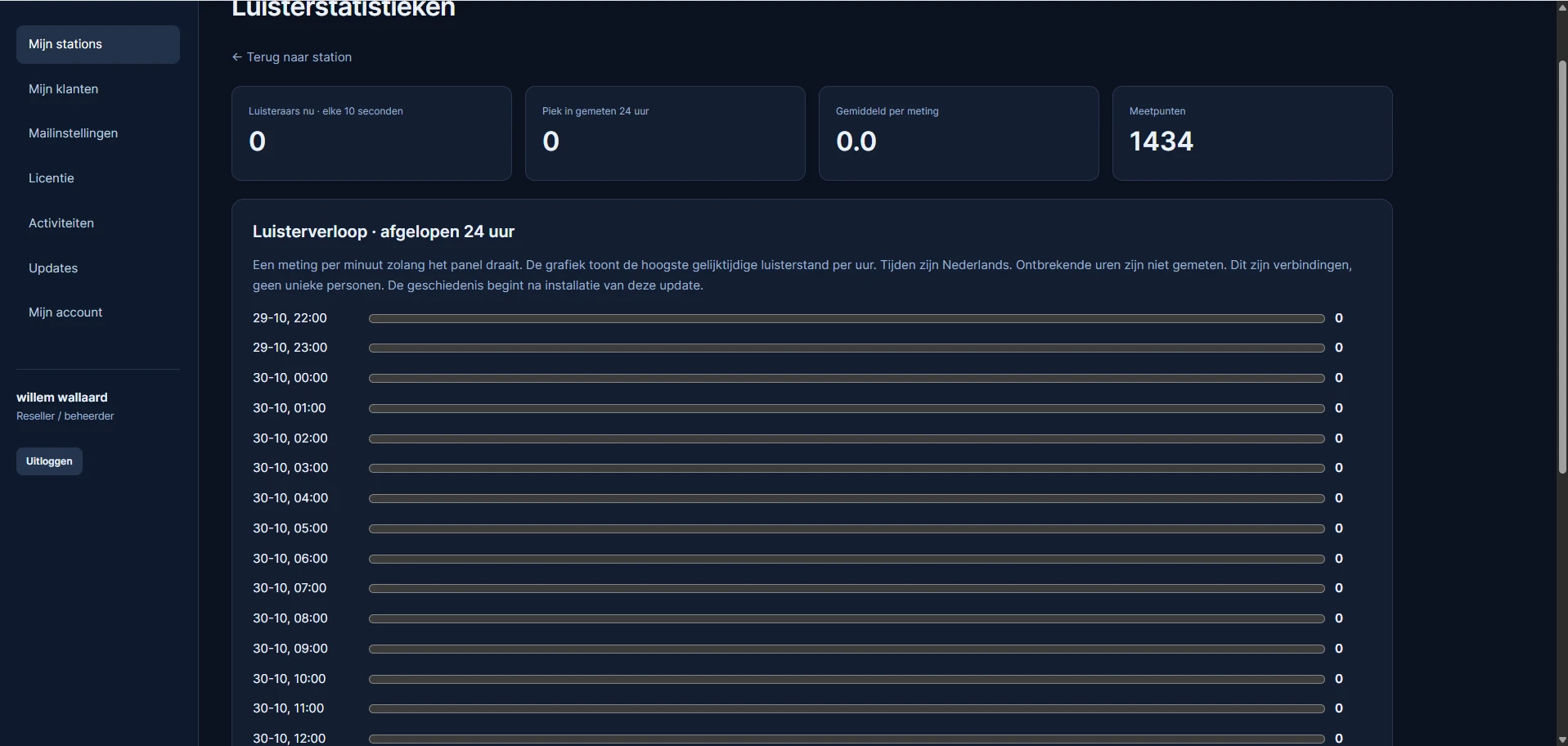
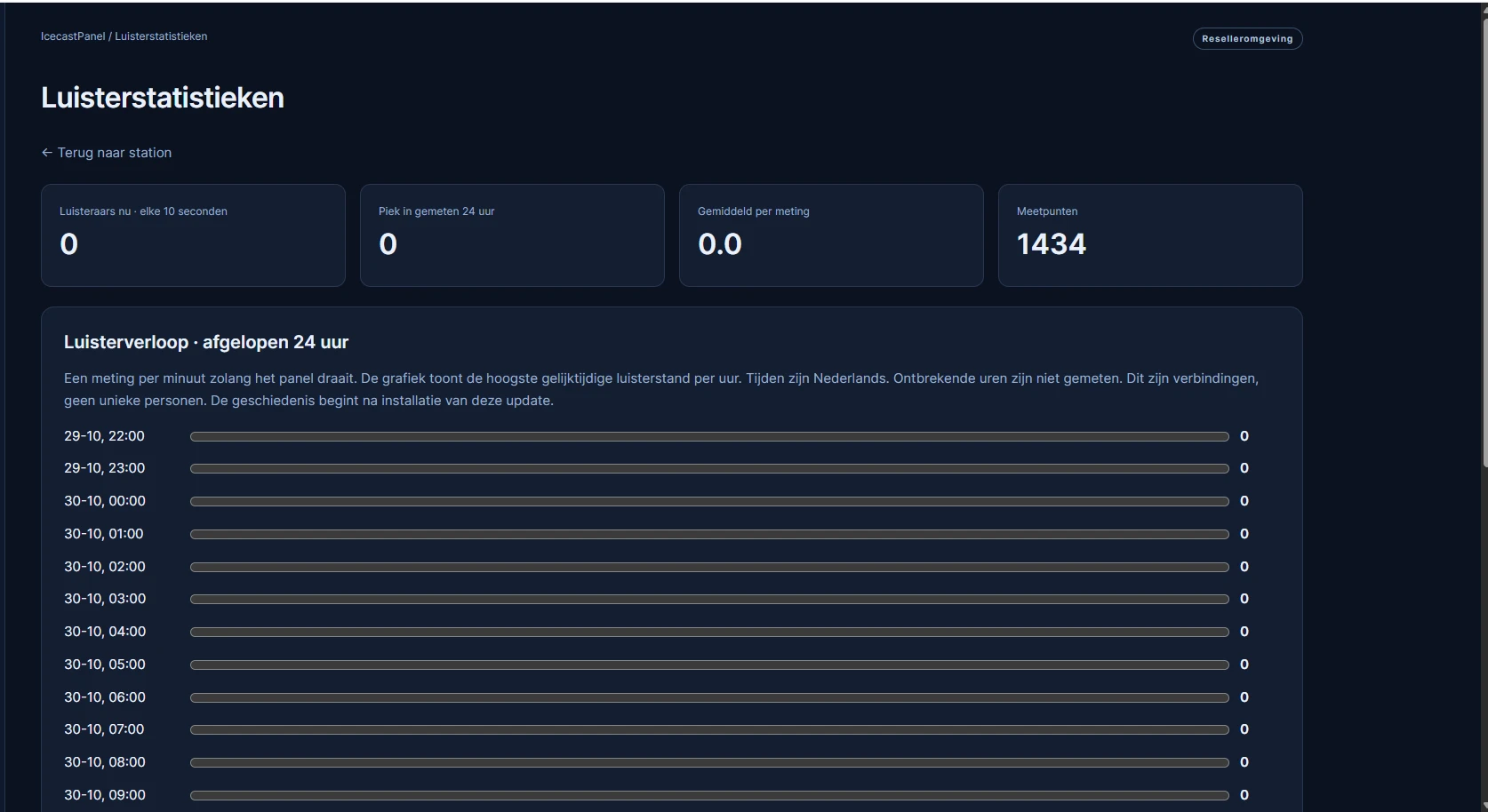
See the current listener count and measurements from the past 24 hours. These figures describe connections, not unique people. Measurements are recorded while the panel is running.
Customers and management
Give customers access to their own stations
Invite customers and assign stations to their accounts. Customers see only their assigned stations. Station capacity depends on your licence; each licence covers one installation on your own server.
Start with your own station
SHOUTcastPanel manages SHOUTcast with Liquidsoap AutoDJ. Obtain the SHOUTcast executable separately and check the installation requirements.